 KinePair
Reference-point sync
Mark impact, foot strike, or another key moment in each video. Play, pause, seek, and step through both on one timeline.
KinePair lines up two motion videos at the moment that matters. Compare side by side, stacked, or overlaid, then inspect every detail with slow playback and frame stepping.
Requires iOS 17 / iPadOS 17 or later · English / 日本語 / 한국어
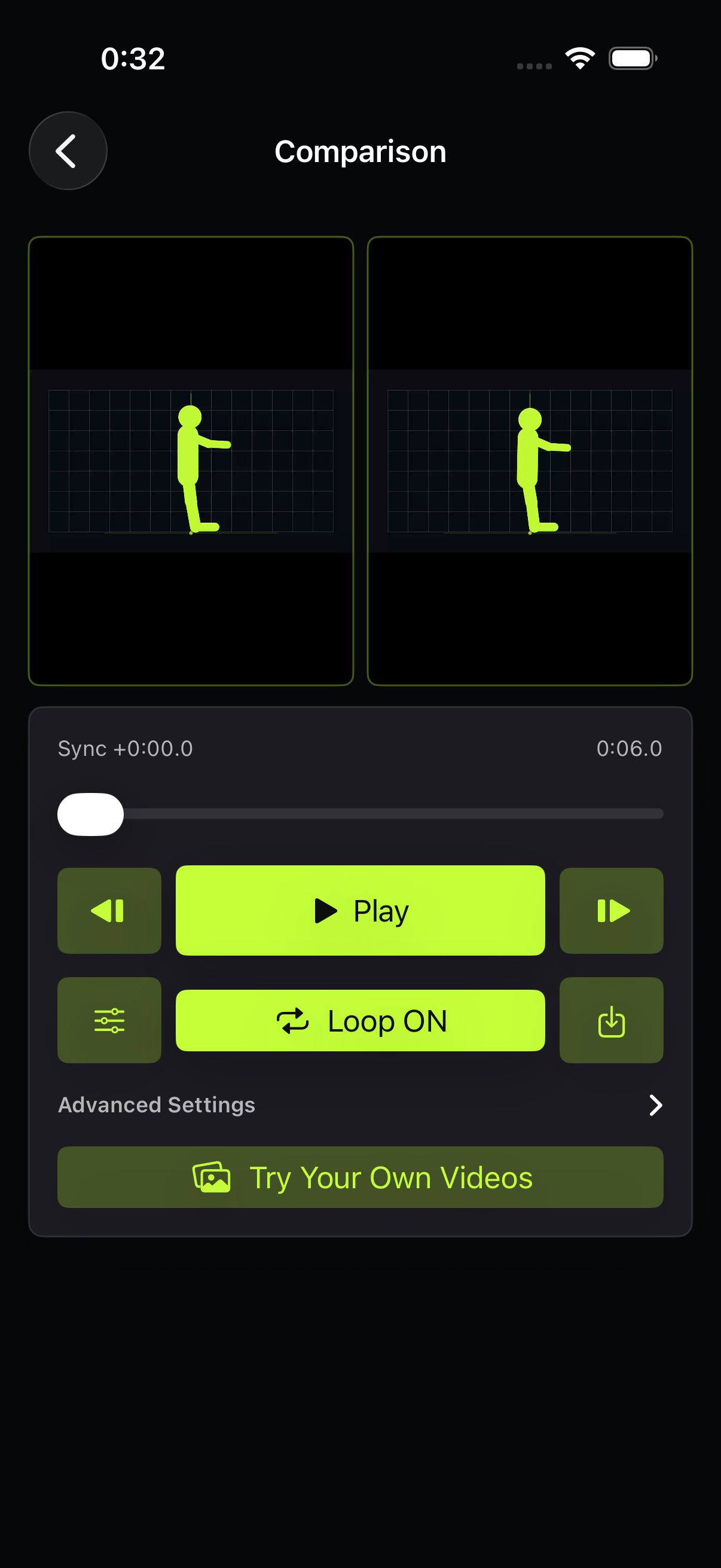
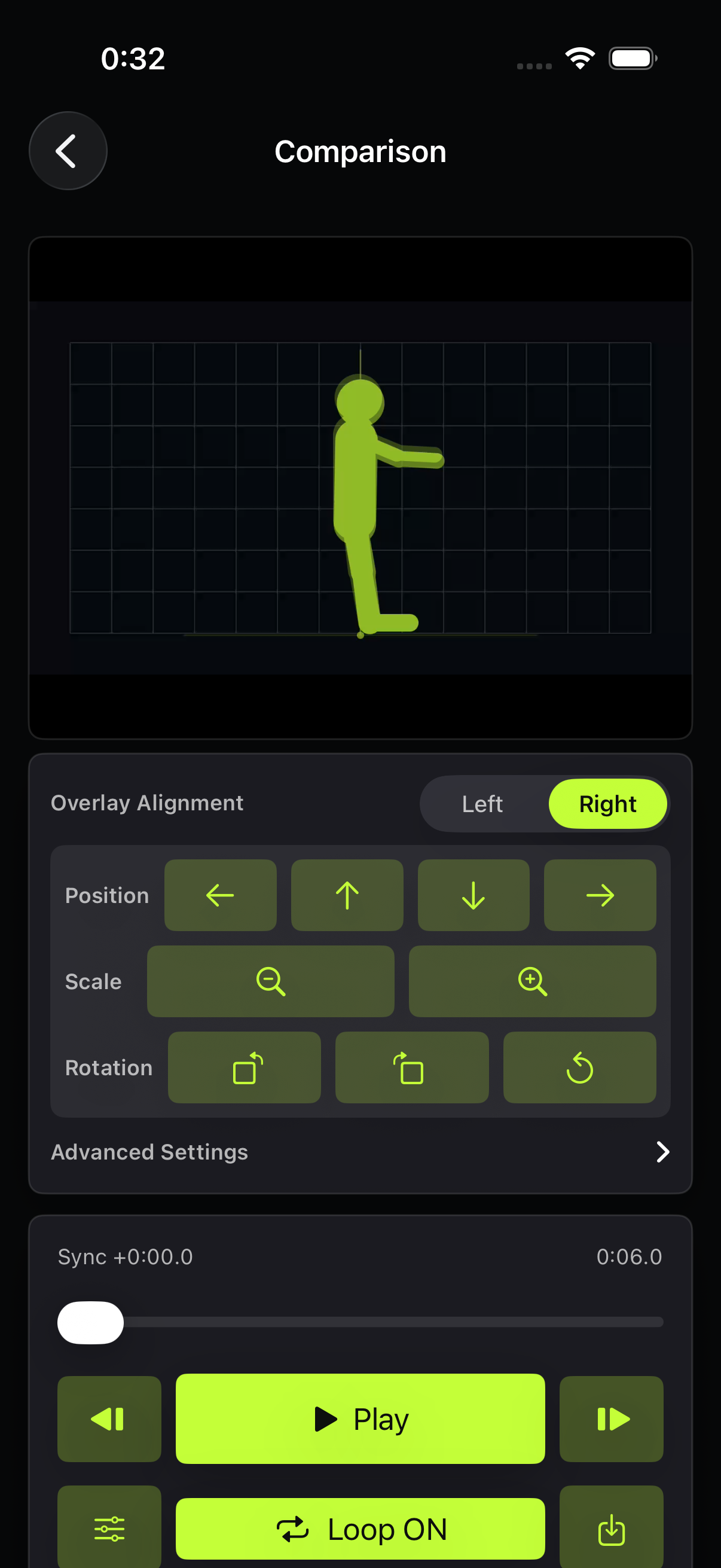
For sports, training, rehearsal, music, and dance. Align two movements at a shared reference point and inspect the difference with your own eyes.
Mark impact, foot strike, or another key moment in each video. Play, pause, seek, and step through both on one timeline.
Compare side by side or stacked. Overlay both videos and tune position, scale, rotation, and opacity.
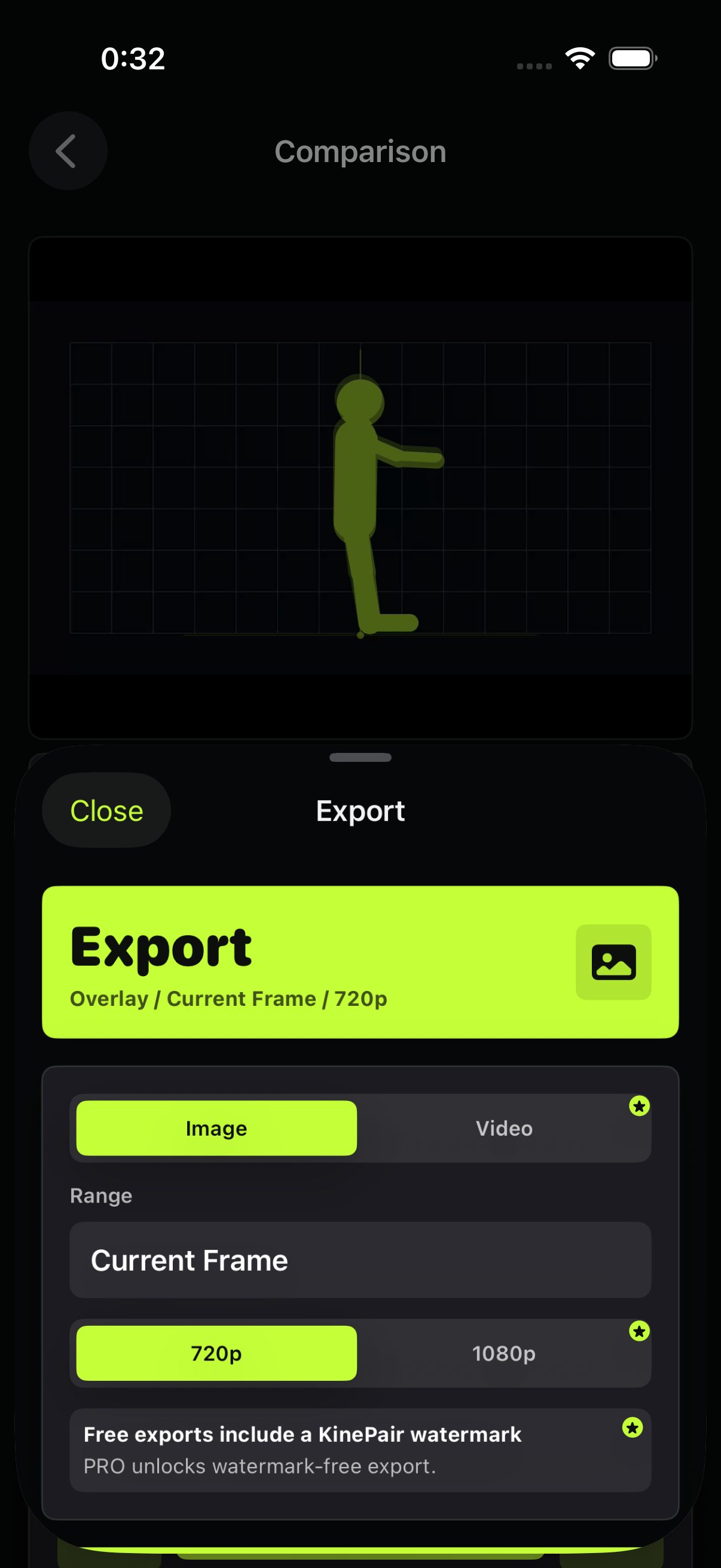
Use slow playback, precise frame stepping, and loop ranges. Save the result as an image or MP4 video.
Comparison and export happen on your iPhone or iPad. KinePair has no account, ads, analytics SDK, or tracking.
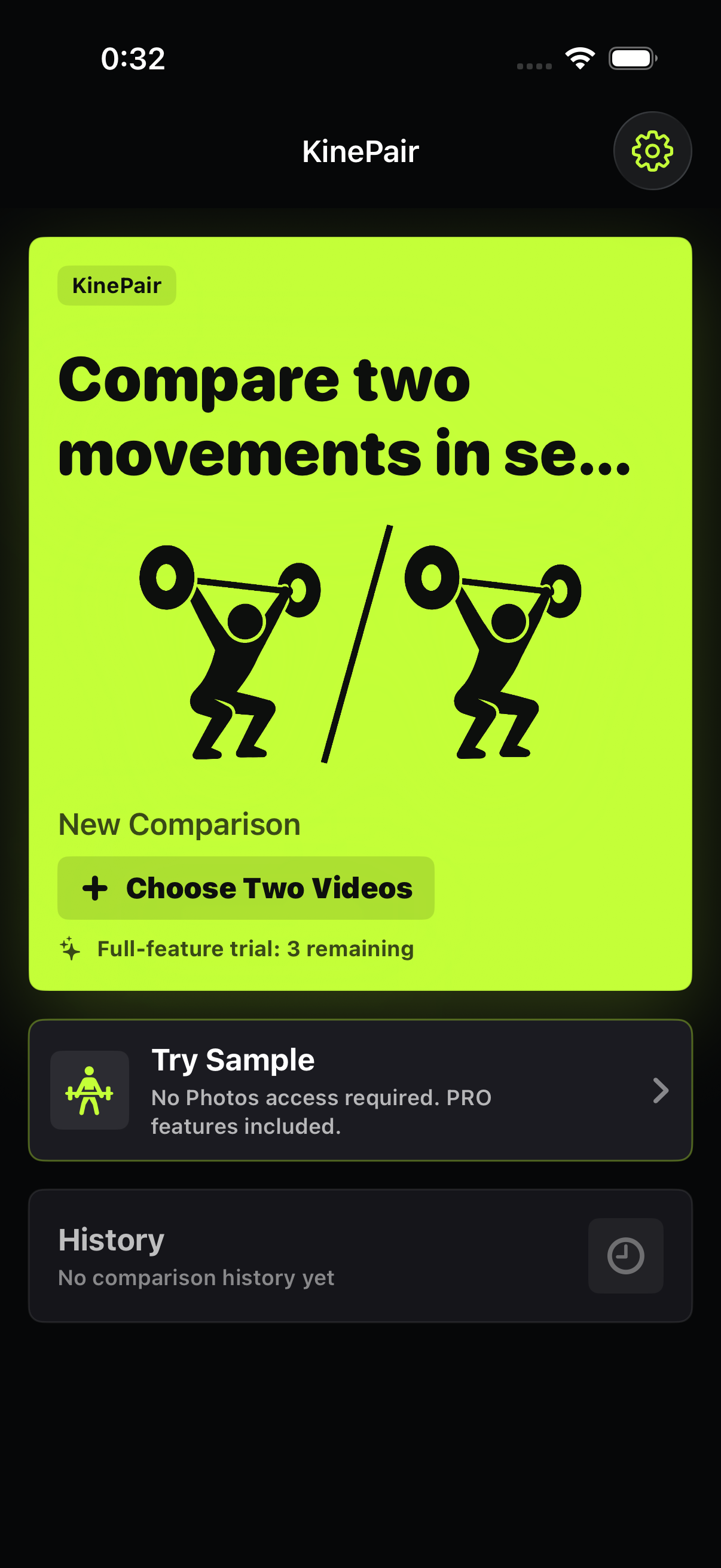
Your first three comparisons include all KinePair PRO features.
Core side-by-side and stacked comparison remains free afterward.